HDR for Live Sports Explained: When It Makes a Difference
A practical guide to HDR for live sports: how brightness and dynamic range affect viewing, differences between HDR10, HLG and Dolby Vision, and how to verify a live HDR signal.
This article gives a practical explanation of when HDR improves live sports viewing — covering brightness, dynamic range, source-device-screen compatibility, HDR10, HLG, Dolby Vision, common issues, and how viewers can verify a live HDR signal.
What HDR Means for Live Sports
High Dynamic Range (HDR) increases the range between the darkest and the brightest parts of an image while preserving color detail. In sports broadcasts this can reveal more texture on a ball, clearer reflections on helmets, and better separation between brightly lit fields and shadowed stands, which helps the eye follow fast action more naturally.
Brightness vs. Dynamic Range: What Viewers Actually Notice
Viewers often equate HDR with higher brightness, but the meaningful change is in tonal range and color detail. Instead of just brighter highlights, HDR lets bright areas keep detail without crushing shadows. This matters in night games with strong floodlights, or daytime matches with sharp sunlit contrasts.
HDR Formats: HDR10, HLG and Dolby Vision — Practical Differences
Three formats are most relevant to sports streaming:
- HDR10: an open standard that uses static metadata for a whole program; common in on-demand and file-based delivery.
- HLG (Hybrid Log-Gamma): designed for live broadcast, it works without static metadata and integrates with traditional broadcast chains more easily.
- Dolby Vision: offers dynamic metadata per scene or frame for finer control of brightness and color, but requires support at both source and display.
For live sports, broadcasters often choose HLG or HDR10 depending on infrastructure, while Dolby Vision is more likely where end-to-end support and advanced encoders are available.
Source, Device and TV Compatibility: Why the Chain Matters
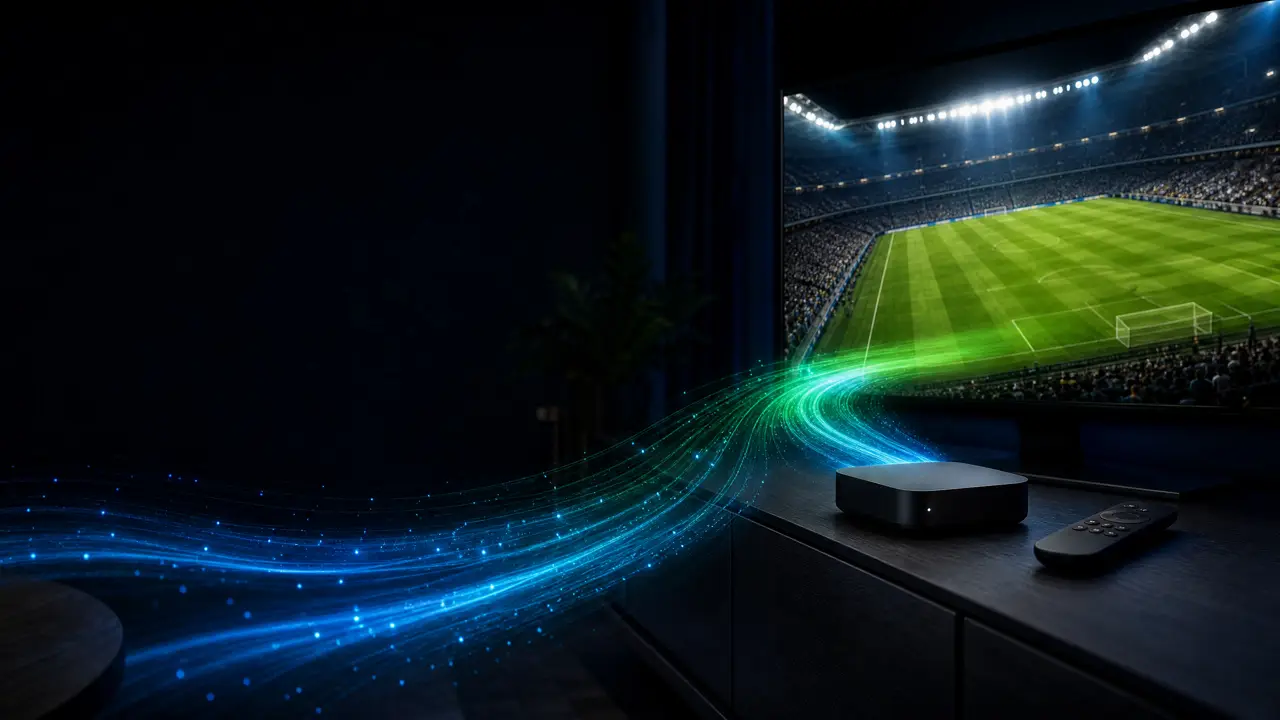
To experience HDR the entire chain must support it: camera/capture, encoder, delivery format, player/app or set-top, and the TV. A single unsupported link can force a down-conversion to SDR, result in washed-out color, or introduce clipping in highlights. Check device menus for HDMI or input modes and confirm the app reports HDR playback.
Some streaming platforms like Rowad4K may indicate HDR compatibility on their service, but image quality still depends on your device capabilities and legal access to the HDR stream.
Common Problems and How to Diagnose Them
Typical issues in HDR sports streams include:
- Highlights that appear clipped or blown out due to TV processing or improper tone mapping.
- Inconsistent color between cameras because of differing color pipelines or conversion settings at the production stage.
- Apparent loss of quality when bandwidth constraints force aggressive compression or conversion to SDR.
Diagnose by checking the player or TV info overlay for the active signal format, temporarily switching TV picture modes, and comparing the same sequence across different devices or apps.
How a Viewer Can Verify a Live HDR Signal
Viewers have practical ways to verify HDR without relying on marketing claims: view the TV or player signal information (many sets show active HDR format in the HDMI info), look for format indicators in the streaming app, and compare scenes with wide dynamic range to SDR footage. Legal test clips within a service or internal TV test patterns can also reveal whether the display receives and applies HDR metadata correctly.
A useful routine: play a known HDR test clip or a segment of the broadcast with strong highlights, check the device’s signal readout, and switch through TV picture modes to confirm the tone mapping behavior.
Practical Tips for Better HDR Viewing
To get the best out of HDR during live sports:
- Ensure cables and HDMI versions match the required bandwidth if you use an external box or player.
- Use neutral or HDR-specific picture modes on your TV and disable aggressive enhancement filters that can undermine subtle HDR benefits.
- Compare the same content on different devices or apps to determine whether a perceived issue is stream-related or display-related.
FAQ
Will HDR always make a live sports broadcast look significantly better?
Not always. Improvements depend on camera exposure, production choices, and whether the delivery chain preserves HDR metadata. In high-contrast scenarios HDR adds visible benefits; in uniform lighting the difference may be minimal.
How can I tell if a stream uses HLG versus HDR10 during a live broadcast?
Check the TV or player info overlay for the active HDR format, or look for format labels in the streaming app. Some platforms provide technical details in a stream info panel; otherwise compare visual characteristics against known HLG or HDR10 test clips.
Can TV picture processing break HDR?
Yes. Certain enhancements (motion smoothing, excessive dynamic contrast, or color boosts) can negate HDR advantages or produce clipping. Choose neutral or HDR-specific presets and test adjustments incrementally.
Conclusion
HDR can make a real difference in live sports when the entire chain—from capture to display—supports it and when production captures high-contrast scenes. Practical steps for viewers: check the active HDR format shown by your TV or app, use appropriate picture presets, verify with known HDR material, and remember that a service label alone does not guarantee improved image quality. These checks will help you distinguish genuine HDR benefits from simple marketing claims.
Share this article