How to Choose an HDMI Cable for 4K Sports Viewing
A practical guide to choosing an HDMI cable for 4K sports viewing: understand bandwidth, HDR and frame-rate needs, when eARC matters, cable length and reliability, plus troubleshooting black screens.
Choosing the right HDMI cable for 4K sports viewing is a practical decision based on signal capacity, motion handling and audio needs—not on appearance or marketing labels. This guide explains the key factors: support for 4K and high frame rates, reliable HDR color transfer, eARC for advanced audio, cable length and build quality, and step-by-step troubleshooting for black screens or lost HDR.
Why the HDMI cable matters for 4K sports
Sports broadcasts feature fast motion and quick camera cuts. A cable that cannot sustain the required data throughput may force the source or display to reduce color depth, disable HDR, or drop to a lower frame rate. A proper cable preserves motion clarity, retains highlight and shadow detail in HDR content, and avoids intermittent dropouts during critical moments.
Key specifications: 4K, HDR, and frame rate
When evaluating cables, focus on their ability to carry 4K at the frame rates you need and to support HDR metadata. Higher frame rates keep motion smooth, which is essential for live sports. HDR requires more bandwidth for deeper color and dynamic range. Verify that both your source device and display can negotiate the same resolution, HDR format, and frame rate.
eARC and audio considerations
eARC is relevant if your setup passes sound from the TV to a soundbar or AV receiver. For sports, accurate timing between commentary and action matters; eARC facilitates the transport of full-resolution audio formats with minimal latency and prevents format downmixes that degrade the experience. If you rely on a sound system connected via the TV, ensure both ends support eARC for best results.
Length, build quality and reliability
Longer cables can impose signal degradation unless they are engineered to preserve throughput. Choose a length that matches your physical setup with a small slack margin to avoid mechanical strain. Look for solid strain relief, robust shielding to reduce interference, and secure connectors to maintain consistent contact over time. These factors reduce the chance of flicker or intermittent losses during a match.
Practical connector and mechanical notes
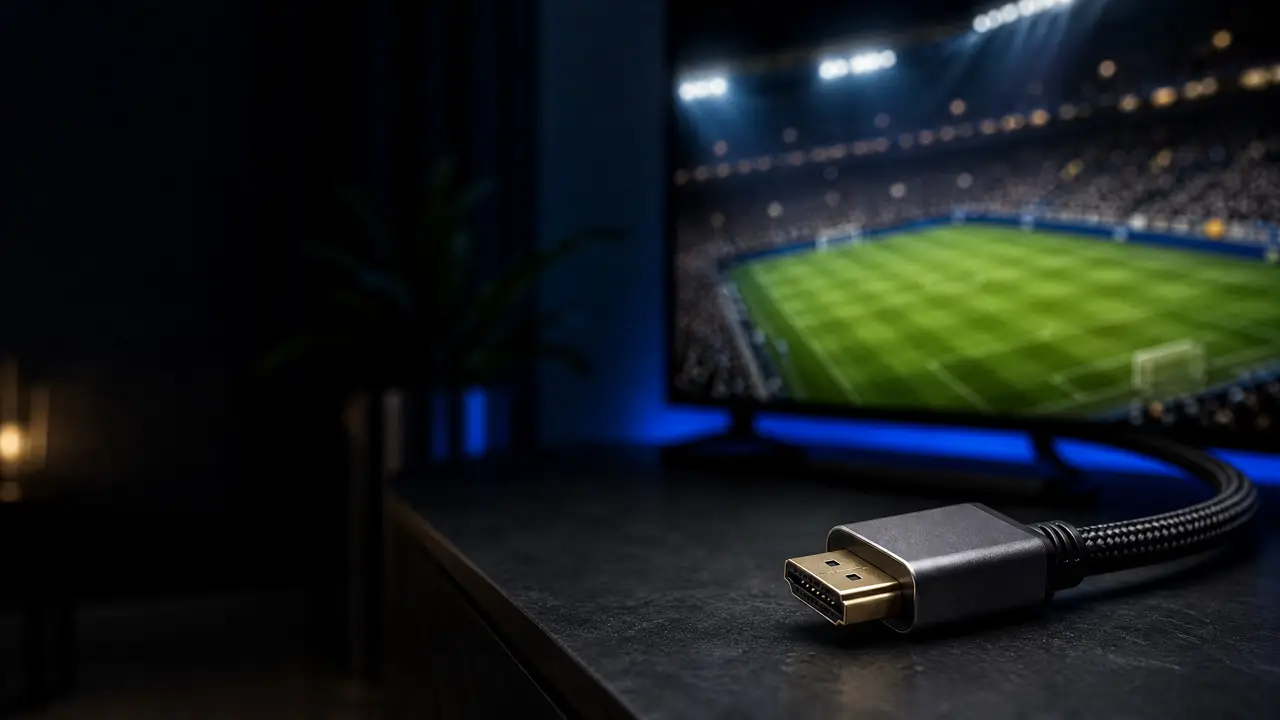
Check connector fit and the robustness of the cable jacket. A snug, stable connection prevents micro-movements that can break the handshake between devices. In installations where cables are connected and disconnected frequently, a sturdy design will prevent wear and intermittent faults that often present as black screens or dropped HDR.
Troubleshooting black screens or lost HDR
If you encounter a black screen or HDR suddenly disappears, follow a methodical sequence:
- Reseat the cable at both ends and try a different HDMI port on the display and source.
- Verify output settings on the source—ensure resolution, frame rate and HDR mode are enabled; confirm corresponding settings on the display.
- Power-cycle source and display to force a fresh handshake; some devices only recognize HDR after a reboot.
- Test with another cable or device to isolate whether the problem is the cable, port, or device.
- Check for firmware updates if compatibility appears to be the barrier, but don’t rely solely on updates as a fix.
These steps usually identify whether the issue is a physical cable problem, a device incompatibility, or a settings mismatch.
Practical testing for fast-motion sports
To evaluate a cable in real conditions, use high-frame-rate clips or change output settings to stress the connection. Look for consistent rendering of motion, absence of frame skips or judder, and stable HDR tone mapping during quick scene changes. Any flicker, brief loss of picture, or color flattening under rapid cuts suggests the cable or its route may not support the required data rate reliably.
FAQ
Will any cable labeled "4K" handle HDR and high frame rates?
Not always. A 4K label alone indicates resolution capacity, but HDR and higher frame rates demand greater sustained bandwidth and negotiating of metadata. Check that the cable supports the data rates and features required for HDR and the desired frame rate.
Does cable length automatically reduce 4K signal quality?
Length can affect signal integrity if the cable is long and not designed to maintain throughput. For most home setups, choose a quality cable with an appropriate length; for very long runs, consider solutions designed to preserve the signal.
What if a different display shows the same black screen?
If the issue persists on another display, the problem likely lies in the source device or its settings. If the problem disappears on the alternate display, inspect the original display's HDMI inputs and settings, and consider professional support if needed.
Conclusion: a practical takeaway
Practical rule: pick a well-built cable with capacity exceeding your present needs, keep lengths reasonable, and ensure eARC support if passing advanced audio. When problems arise, use a stepwise diagnostic approach—reseat, change ports, power-cycle, test alternate cables/devices, and verify settings. Remember that 4K HDR sports content will be available on platforms such as Rowad4K only when the source, cable and display are mutually compatible and the service is accessed legally.
Share this article